


Review on Logitech POP Mouse - Wireless Emoji Customizable Mouse, SilentTouch, Precision/Speed Scroll, Compact Bluetooth Design, Multi-Device Support, OS Compatible - Daydream Mint by Mateusz Marek ᠌

Everything is fine, I liked the product, I bought it for a reason.
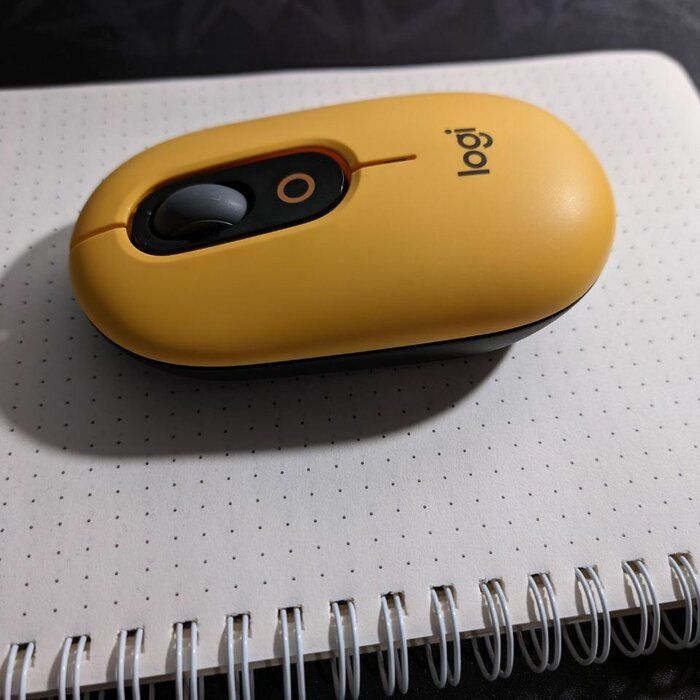
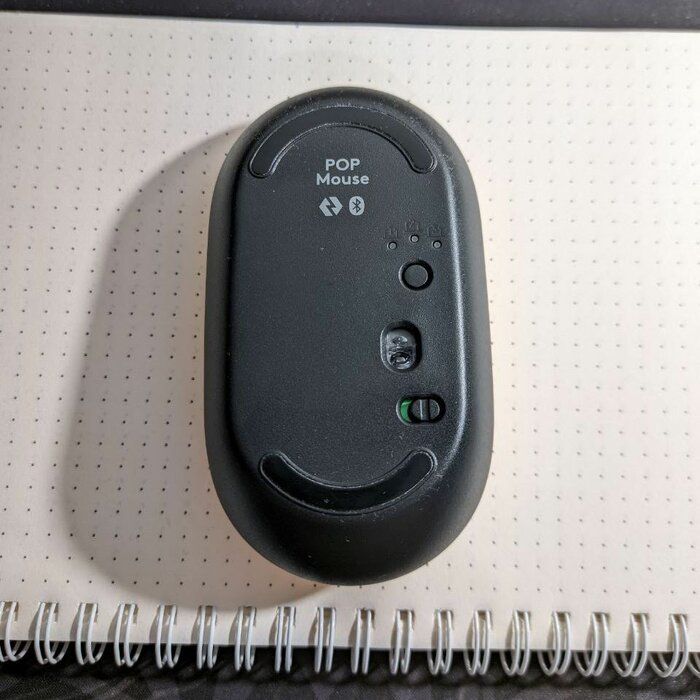
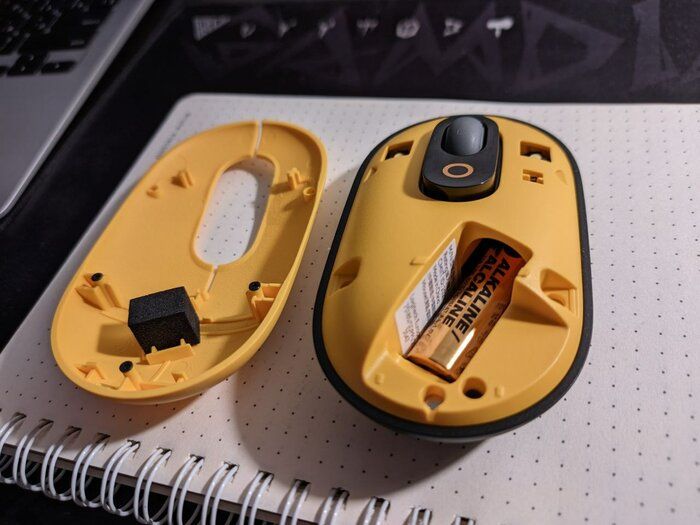
To sum it up, I'm more happy with the purchase than upset. But the middle mouse button spoiled the impression Got pros: Cool design. Connects well to mac. No additional adapters are needed, a regular bluetooth module in a laptop is enough. Quiet pressing the left and right mouse buttons. Convenient program for setting up the device. Good resolution of the optical sensor, you can even use it in not too dynamic games. If the paint comes off the top of the mouse, you can easily remove this cover and paint. Well, or you can do it right away, just for customization. Has some cons: Didn't like the wheel. There is a fast scroll feature. This is when you spin the wheel sharply and it further imitates the rotation itself (not physically). This scrolling is accompanied by something similar to vibration and does not always work correctly. For example you. you can turn the wheel a little and it starts to rattle. Plus, the wheel itself is not fixed and swings left and right from its original position. It's very noticeable when you click on it.
New products
Comments (5)


Top products in ⌨️ Keyboards, Mice & Accessories

Wireless Bluetooth Graphite 🖱️ iPad Mouse - Logitech Pebble i345

184 Review

Wireless compact mouse Xiaomi Mi Dual Mode Wireless Mouse Silent Edition, white
174 Review

Logitech M510 Blue Wireless Mouse with USB 🖱️ Unifying Receiver - Comfortable Shape, Back/Forward Buttons and Side-to-Side Scrolling

199 Review

🖱️ Renewed Logitech M705 Wireless Marathon Mouse: 3-Year Battery & Hyper-Fast Scrolling in Ergonomic Black Design for PC/Laptop with Unifying Receiver
421 Review
Another interesting products

HyperX QuadCast: Premium USB Condenser Gaming Microphone for PC, PS4, PS5, Mac - Pro-Level Audio with Anti-Vibration Shock Mount, Four Polar Patterns, Pop Filter & Red LED - Ideal for Podcasts, Twitch, YouTube, Discord
5 Review

💻 Get Amazing Video Quality with Logitech HD Pro Webcam C920 (Discontinued Edition)
83 Review

🎧 Turtle Beach Stealth 700 Gen 2 Wireless Gaming Headset Xbox Series X/S, One, Switch, Windows 10 - Bluetooth, 50mm Speakers, 20-Hr Battery - Black

7 Review

Computer Speakers Dynamic Bluetooth Connection
4 Review