


Review on Enhance your viewing experience with the SAMSUNG Adjustable TUV Certified Intelligent LS32A600NWNXGO 2560X1440P, 75Hz, Flicker-Free, High Dynamic Range Monitor by Ahmed Daugherty

Some limitations to be aware of
I recently got a new Macbook Pro and installed it in front of my old Samsung monitor. The difference was amazing. The Macbook Pro's monitor was twice as bright, the colors were much more vibrant, and the resolution was much better. I thought it was time to upgrade my old monitor! So I bought this. The first discovery is that it is no brighter than my old monitor from 12 years ago. The second goes via HDMI, the resolution is limited to 1080p. It's ok because I like that resolution, but at that resolution the image is blurrier because it was made for 2540x1440. I thought the increased pixel density might make it sharper. Third, when you turn it on, it complains in the monitor popup that it should be set to 2540 x 1440 @ 75Hz. It turns out that my old Mac Minis (2010-2012) are limited to 60Hz, so I had to live with this message every time I turned them on. It looks like it will only accept 2540 x 1440 resolution on the displayport. This is probably a great monitor if you want 2540 x 1440 and can output at 75Hz. But it still pales in comparison (in every way) to Apple's Retina displays.
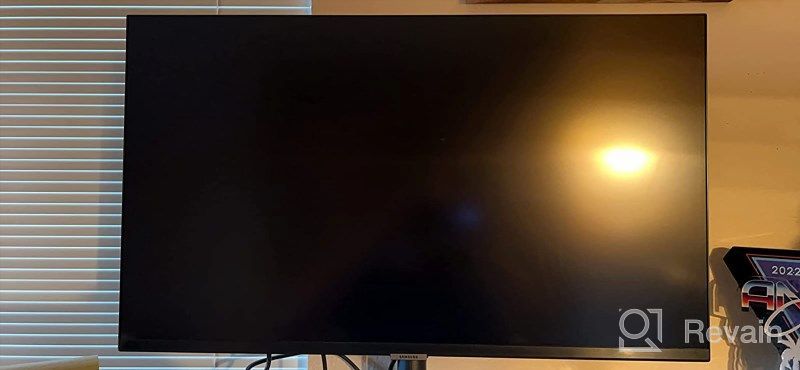
- Works perfectly!
- Difficult to adjust settings.
New products
Comments (0)
Similar reviews


Top products in 🖥 Monitors

LG 27MP59G-P 27 inch Monitor with FreeSync, 75Hz Refresh Rate, and 1080p HD Resolution

93 Review

HP 24Uh 24" Backlit Monitor 1920x1080p, 60Hz, LCD with HD Resolution - K5A38AA#ABA
101 Review

Dell E2318Hx LED Lit Monitor: High-Definition Display with Flicker-Free Technology and IPS Panel
109 Review

Samsung Flat Monitor Super Slim Design 27", 1920X1080P, 75Hz, Flicker Free
112 Review
Another interesting products

Renewed Logitech G PRO X Wireless Lightspeed Gaming Headset with Blue VO!CE Mic Filter for Immersive Gaming Experience
122 Review

Enhance Your Visual Experience with Logitech C260 Webcam
78 Review

50AA2500 EBL Individual Battery Charging System - Rechargeable Batteries
56 Review

Smartphone Samsung Galaxy A50 4/64 GB, 2 SIM, black

82 Review