


Review on LG 34GL750-B Ultragear 34 Inch UltraWide Screen, Curved, Height Adjustable, 144Hz, Adaptive Sync by William Eldridge

Very impressive
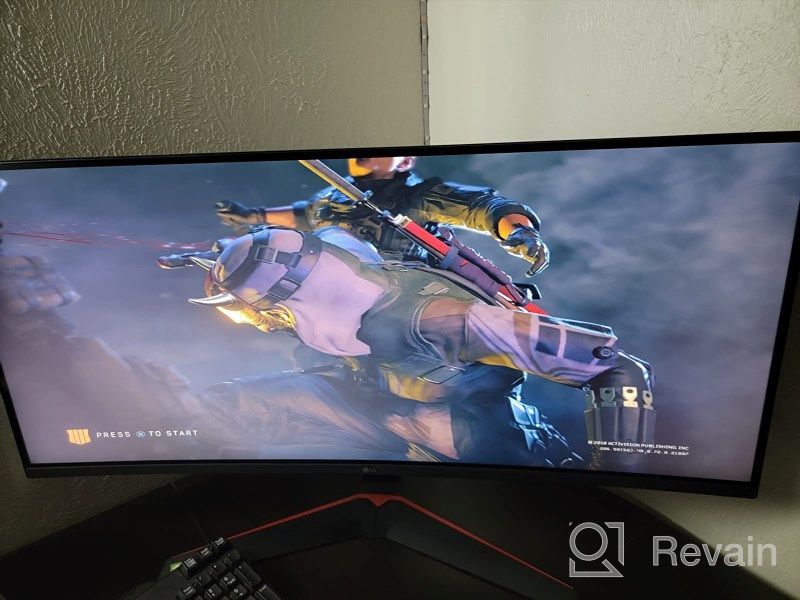
I'm not a gaming pro, but I know I want the best picture without spending megabucks. So when a vertical bar appeared on my old monitor, the hunt began. As I said, I'm not a gaming pro, but this is a really impressive monitor. First impression after unpacking? MY GOD! What I did! It's macho! Not only that, I have to build it too. But a beer and 15 minutes later and I'm ready to go. Don't worry, beer isn't included in the box. The default settings are a good starting point, but as soon as I had G-Syncd I started playing. It's a bit fiddly to play around with the settings, but once you've done it, it doesn't really matter. If you don't know how and why to change the settings I would visit YouTube, there are people there who know what they are doing and can give you some advice. I mostly play games with heavy graphical content and tons of detail, and I can say I can't fault it yet. Now I don't notice the size or the curvature, but I realize that my office screen is definitely missing! I have no regrets and would happily buy a second one if the current wife P or of course!
- LG
- -
New products
Comments (0)
Similar reviews

Top products in 🖥 Monitors

Sceptre C325B-144R: Advanced FreeSync HD Display with Wall Mounting and Tilt Adjustment

94 Review

Dell SE2216HV LED 💻 Monitor with 60Hz Refresh Rate
101 Review

Samsung Flat Monitor Super Slim Design 27", 1920X1080P, 75Hz, Flicker Free

112 Review

Dell SE2416HX Screen LED Lit Monitor 23.8", 1920X1080P, HDMI
93 Review
Another interesting products

Logitech HD Webcam C270: Crisp 720p Widescreen Video Calling & Recording (960-000694), Lightweight and Portable at 3.15 lb.
192 Review

Renewed Logitech G PRO X Wireless Lightspeed Gaming Headset with Blue VO!CE Mic Filter for Immersive Gaming Experience
122 Review

💻 Get Amazing Video Quality with Logitech HD Pro Webcam C920 (Discontinued Edition)
83 Review

Smartphone Samsung Galaxy A50 4/64 GB, 2 SIM, black

82 Review