


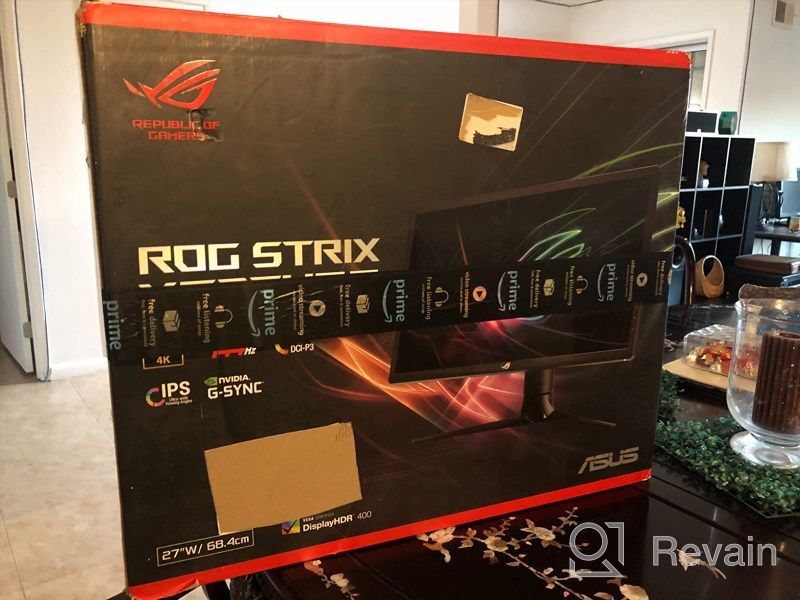
Review on ASUS Strix XG27UQR Gaming Monitor - 3840x2160p, 144Hz, Anti-Glare, Blue Light Filter, Flicker-Free, Tilt Adjustment by Steven Crawford

Just unbelievable. to my rating.
You'll have to fiddle with Windows settings (display and extended display) to enable 144Hz unless you're already replacing a 144Hz monitor and haven't changed it before. You'll also need to adjust your power settings so your graphics card doesn't try to go into sleep mode. Otherwise this monitor is great.
- electronics
- Limited ergonomics
New products
Comments (0)
Similar reviews

Top products in 🖥 Monitors

🖥️ Revolutionize Your Interface with Planar PXL2230MW 22 Inch 16 Touchscreen

97 Review

Dell SE2416HX Screen LED Lit Monitor 23.8", 1920X1080P, HDMI

93 Review

Samsung Flat Monitor Super Slim Design 27", 1920X1080P, 75Hz, Flicker Free

112 Review

Dell E2318Hx LED Lit Monitor: High-Definition Display with Flicker-Free Technology and IPS Panel
109 Review
Another interesting products

Logitech HD Webcam C270: Crisp 720p Widescreen Video Calling & Recording (960-000694), Lightweight and Portable at 3.15 lb.
192 Review

Renewed Logitech G PRO X Wireless Lightspeed Gaming Headset with Blue VO!CE Mic Filter for Immersive Gaming Experience
122 Review

Enhance Your Visual Experience with Logitech C260 Webcam
78 Review

💻 Get Amazing Video Quality with Logitech HD Pro Webcam C920 (Discontinued Edition)
83 Review